Consoles & computers
ZX Spectrum Palette
The Sinclair ZX Spectrum has one of the simplest palettes of any home computer: 8 colors, each in a normal and a bright version, for 15 in total, since bright black is still black. Its real signature is how it used them: two colors per 8 × 8 block, the famous attribute clash. Here are all 15 colors with hex codes, how the attributes work, and a free way to dither images to them.
- Colors
- 15
- Year
- 1982
- Hardware
- Sinclair ZX Spectrum ULA
- Match
- By color
The 15 ZX Spectrum colors
The Spectrum outputs its colors as voltage levels, which emulators render at slightly different strengths. Here normal colors sit at about 85% (#D7) and bright ones at full strength (#FF).
| Swatch | Name | Hex | RGB |
|---|---|---|---|
| Black | #000000 | 0, 0, 0 | |
| Blue | #0000D7 | 0, 0, 215 | |
| Red | #D70000 | 215, 0, 0 | |
| Magenta | #D700D7 | 215, 0, 215 | |
| Green | #00D700 | 0, 215, 0 | |
| Cyan | #00D7D7 | 0, 215, 215 | |
| Yellow | #D7D700 | 215, 215, 0 | |
| White | #D7D7D7 | 215, 215, 215 | |
| Bright blue | #0000FF | 0, 0, 255 | |
| Bright red | #FF0000 | 255, 0, 0 | |
| Bright magenta | #FF00FF | 255, 0, 255 | |
| Bright green | #00FF00 | 0, 255, 0 | |
| Bright cyan | #00FFFF | 0, 255, 255 | |
| Bright yellow | #FFFF00 | 255, 255, 0 | |
| Bright white | #FFFFFF | 255, 255, 255 |
Eight colors, two brightnesses
Sinclair Research released the ZX Spectrum in 1982, and it became one of the best-selling home computers in Britain. To keep it cheap, the display is a 256 × 192 bitmap with one bit per pixel, and color is stored separately: one attribute byte for each 8 × 8 cell, 32 × 24 of them.
Each color is a mix of red, green and blue, each either on or off, which gives black, blue, red, magenta, green, cyan, yellow and white. The bright bit raises the channels that are on to full strength. Black has nothing to raise, so there are 15 distinct colors instead of 16.
Attribute clash
Each attribute byte sets an ink color and a paper color from the 8, one bright bit for both, and a flash bit that swaps ink and paper at a steady rate. So any 8 × 8 block holds only two colors, and both are normal or both bright.
When a character of one color crossed a background of another, the whole block changed color: the attribute clash that gave Spectrum games their look. Many games avoided it with a single-color play area. PixelSynth doesn’t apply the two-colors-per-block rule; for a clash-free Spectrum look, stay in 1-bit mode and pick two Spectrum colors for the dots and the background.
How to make ZX Spectrum-style images
- Open the editor with the ZX Spectrum palette selected. It matches by color.
- Set Output size to 256 pixels, the Spectrum’s resolution.
- Use Bayer 2×2 or Bayer 4×4 for the checkerboard fills of Spectrum art, or Floyd–Steinberg for photos.
- Export at ×2 or ×4 so the pixels stay square and sharp.
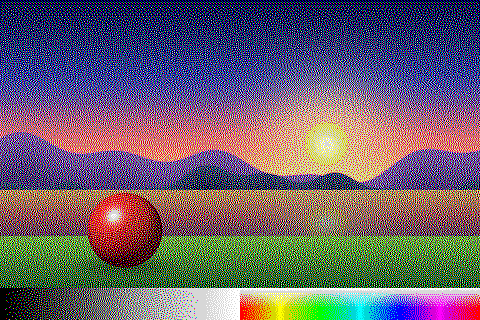
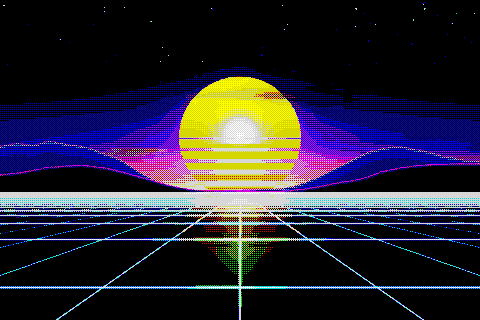
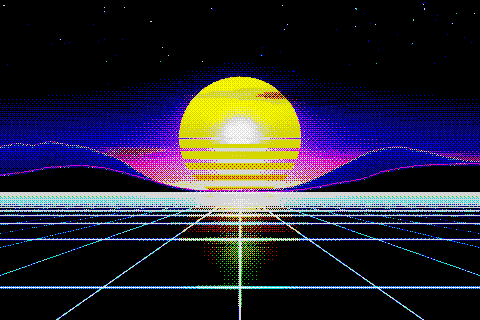
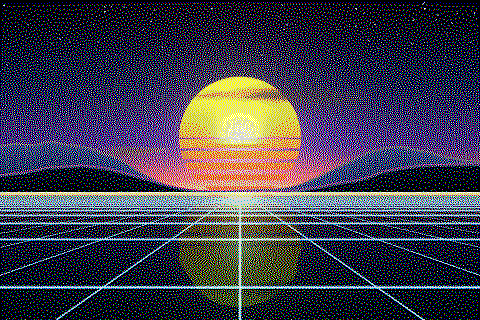
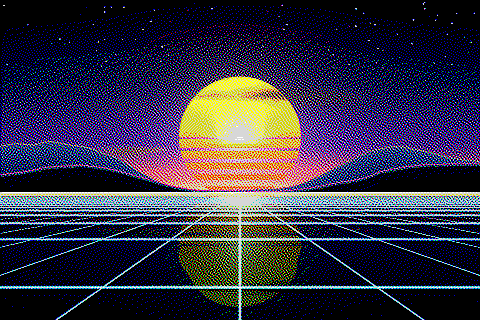
The ZX Spectrum palette with different dithering algorithms
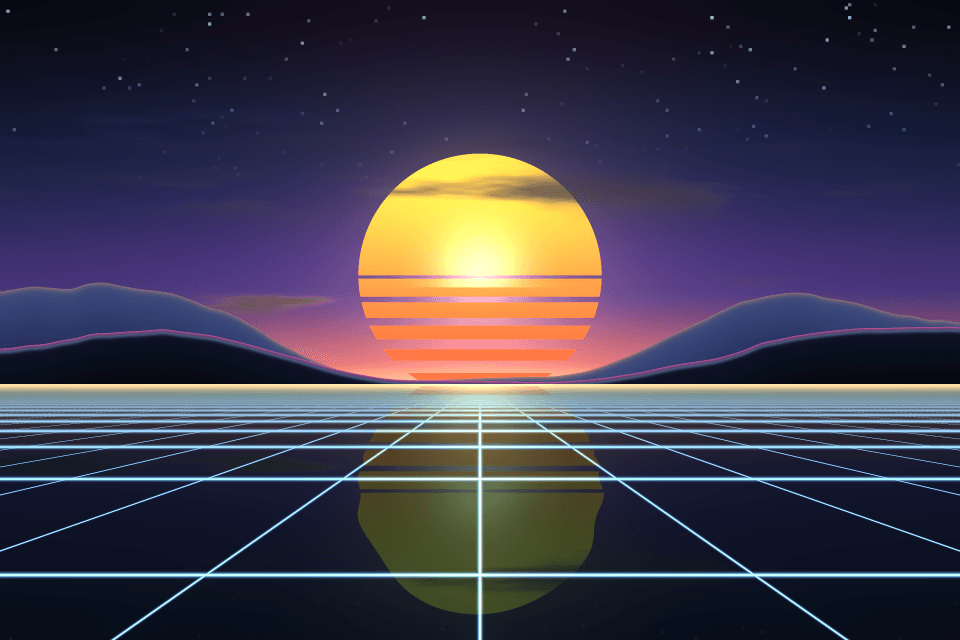
The same sunset at 480 × 320 pixels, shown at actual size.
Try the ZX Spectrum palette on your image
Open the editor with ZX Spectrum already selected, drop in a photo or an animated GIF, pick a dithering algorithm and export a PNG or an animated GIF. Free, no account, no watermark, and your image never leaves your device.
Open ZX Spectrum in the editorZX Spectrum palette FAQ
Why do ZX Spectrum hex codes differ between sources?
Emulators pick different levels for the normal colors, from about #B2 to #D7 (Fuse uses #C0); all approximate the same voltages. This palette uses #D7, with the bright colors at #FF.
Why does the ZX Spectrum have 15 colors and not 16?
The bright bit brightens the channels that are on. Black has none on, so bright black is the same black.