Consoles & computers
Apple II Palette
The Apple II’s high-resolution mode has only six colors: black, white, green, purple, orange and blue. They don’t come from a palette at all, but from a quirk of the color TV signal that Steve Wozniak turned into a feature. Here are the six hex codes, how artifact color works, and a free way to dither any image into Apple II colors.
- Colors
- 6
- Year
- 1977
- Hardware
- Apple II hi-res, 280 × 192
- Match
- By color
The 6 Apple II colors
The colors are artifacts of the NTSC signal, not stored values. These hex codes are Wikipedia’s conversion of the hi-res colors’ signal values to sRGB.
Download:HEX file of Apple II hi-resGPL file of Apple II hi-res
| Swatch | Name | Hex | RGB |
|---|---|---|---|
| Black | #000000 | 0, 0, 0 | |
| Green | #31D200 | 49, 210, 0 | |
| Purple | #CE2DFF | 206, 45, 255 | |
| Orange | #FF5600 | 255, 86, 0 | |
| Blue | #00A9FF | 0, 169, 255 | |
| White | #FFFFFF | 255, 255, 255 |
Color from a TV signal
Apple released the Apple II in 1977, with color graphics designed by Steve Wozniak on very few chips. The hi-res mode doesn’t store colors: it stores lit and dark dots at 280 × 192, and on a color TV the timing of each dot against the color signal makes the TV see it as a color. Two lit dots side by side read as white.
Each byte of screen memory holds 7 pixels plus one bit that shifts their timing by half a pixel. With that bit clear, the dots show as green or purple depending on their column; with it set, as orange or blue. That gives 8 combinations and 6 colors, since black and white appear twice.
Color limits and fringing
Because a dot’s color depends on its column, color resolution is only 140 pixels across. And the shift bit covers a whole 7-pixel byte, so green or purple can’t share a byte with orange or blue: drawing a blue line over a green one turns parts of the green orange. Edges show colored fringes, which are part of the Apple II look.
PixelSynth dithers freely with the six colors and doesn’t simulate the byte rule or the fringing, so the result has the Apple II palette with cleaner edges than the real machine.
How to make Apple II-style images
- Open the editor with the Apple II hi-res palette selected. It matches by color.
- Set Output size to 280 pixels, or 140 for the Apple II’s real color resolution.
- With six colors, Floyd–Steinberg keeps the most detail; Bayer 2×2 gives the striped fills of Apple II art.
- Export at ×2 or ×4.
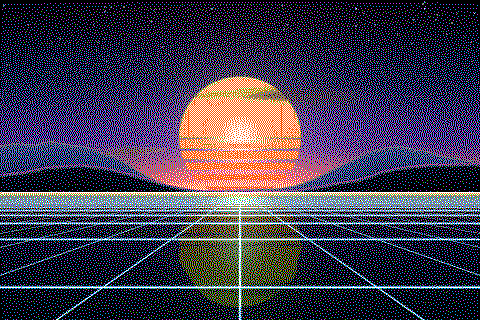
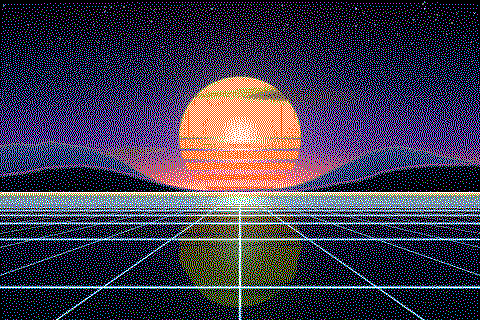
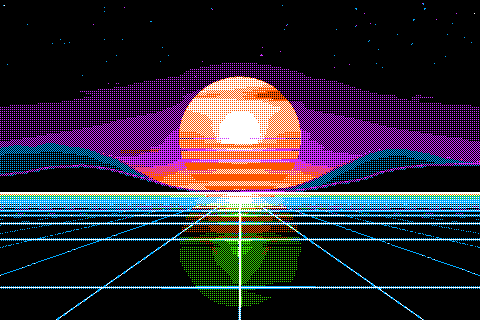
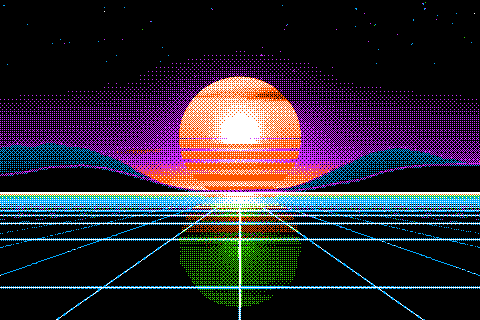
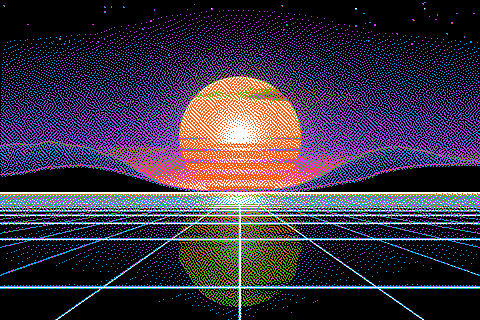
The Apple II palette with different dithering algorithms
The same sunset at 480 × 320 pixels, shown at actual size.
Try the Apple II palette on your image
Open the editor with Apple II hi-res already selected, drop in a photo or an animated GIF, pick a dithering algorithm and export a PNG or an animated GIF. Free, no account, no watermark, and your image never leaves your device.
Open Apple II hi-res in the editorApple II palette FAQ
Why does the Apple II have only six colors in hi-res?
The colors come from where dots fall against the TV’s color signal. One bit per byte picks between two color pairs, green and purple or orange and blue, and together with black and white that makes six.
Didn’t the Apple II have 16 colors?
In its low-resolution mode, yes: 40 × 48 blocks in 16 colors. Later models added a double hi-res mode with 16 colors too. This palette covers the hi-res mode.