
Game Boy
4 colorsThe four greens of the original 1989 handheld’s screen. Matches by brightness, so any image stays readable.
- #0f380f
- #306230
- #8bac0f
- #9bbc0f
Matches by brightnessUse in the editor: Game Boy
Dither straight to a fixed set of colors. Every preview below is the same sample image, rendered by the editor’s own engine with Floyd–Steinberg. The strip at the bottom shows how each palette covers a gray ramp and the full spectrum.
The editor’s Pixel art preset shrinks any image to about 128 × 96 pixels’ worth of detail, whatever its shape, and applies PICO-8 with a 2×2 Bayer pattern. Save it at ×4 or ×8 and every pixel stays a crisp block.
Try the pixel art presetHardware palettes, with hex values from each system’s reference.
The four greens of the original 1989 handheld’s screen. Matches by brightness, so any image stays readable.
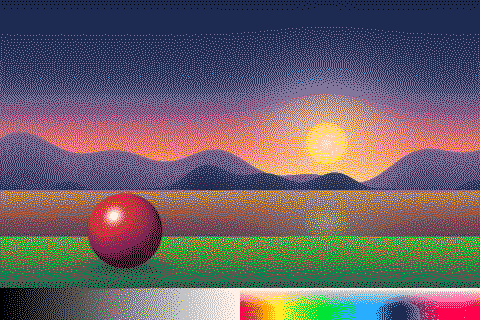
The 16 colors of the PICO-8 fantasy console, a staple of indie pixel art.
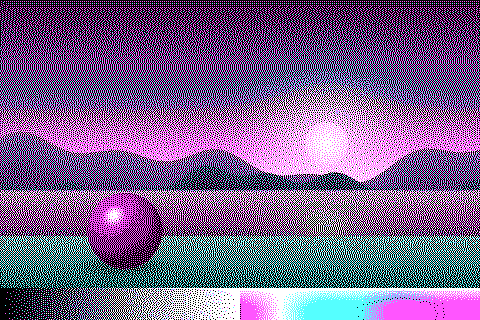
IBM PC CGA palette 1 at high intensity (1981): the look of early DOS games.
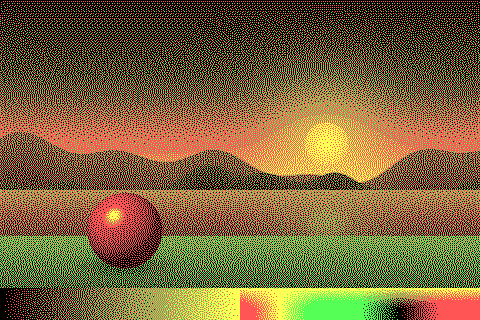
CGA palette 0 at high intensity: green, red and yellow on black.
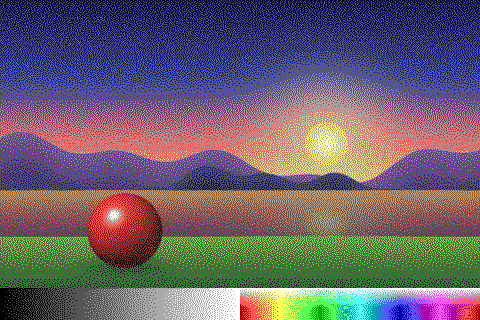
The 16 default colors of the IBM EGA adapter (1984).
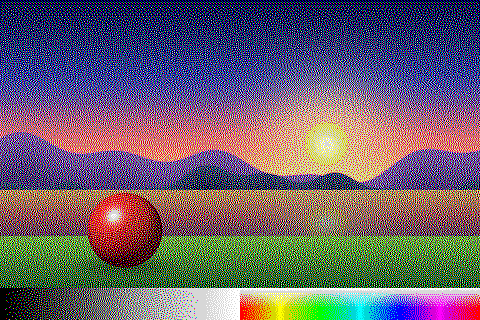
The Sinclair ZX Spectrum’s 8 normal and 7 bright colors (black appears once).
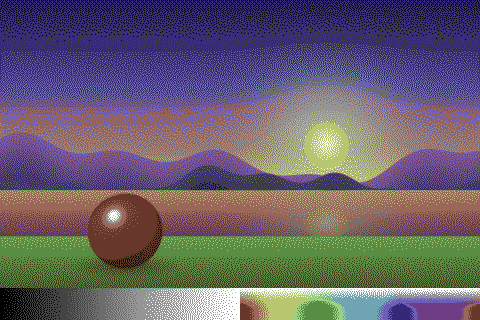
The Commodore 64’s 16 colors in the “Pepto” calibration most emulators use.
Inks and photographic processes. Single-hue, so they match by brightness.
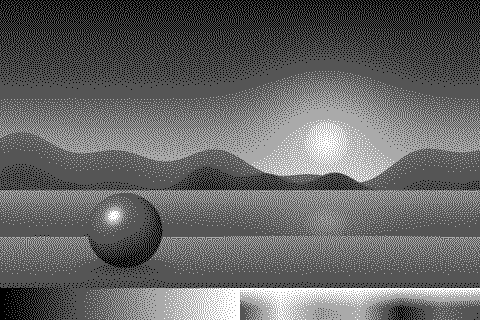
Black, two grays and white: the next step after 1-bit.
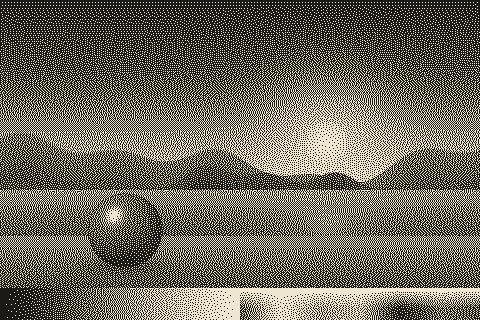
Ink on yellowed newsprint. Still 1-bit, without pure black or white.
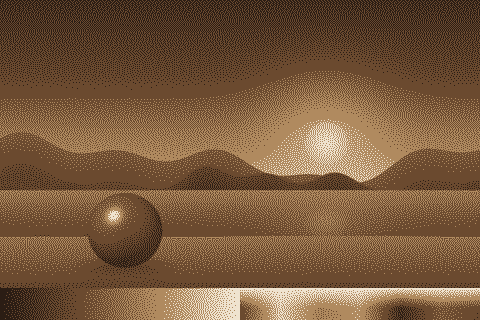
Four tones of darkroom sepia toning, from deep brown to paper.

Prussian blue on paper, from the photographic process of 1842.
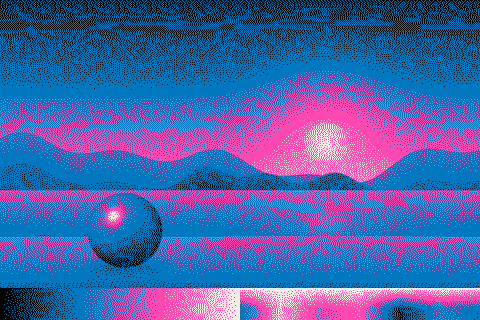
Official Riso Fluorescent Pink and Blue inks plus black, printed on paper.
The colors of this site.
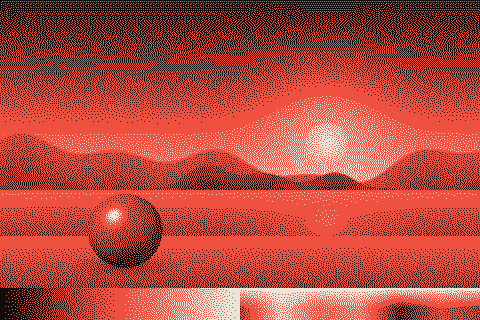
PixelSynth’s own colors: darkroom black, safelight red and paper.
Two palettes that aren’t fixed: one is taken from the image you load, the other is yours to build.
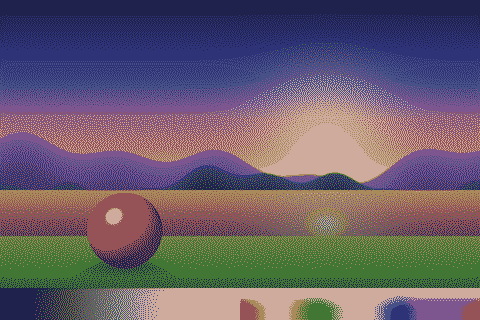
Picks the 8 most representative colors of your image (2 to 32, median cut). These are the ones found in the sample.
Build a palette of 2 to 32 colors with the color picker, or start from any palette above with “Edit colors”. It is saved in your browser. Use it for brand colors or for systems not listed here, like the NES.
Build one in the editor