Consoles & computers
MSX Palette
MSX computers drew everything with Texas Instruments’ TMS9918 video chip and its fixed set of 15 colors. Below are all of them with names and hex codes, how the chip’s 2-colors-per-line rule shaped MSX graphics, and a free way to dither any image to the MSX palette in your browser.
- Colors
- 15
- Year
- 1983
- Hardware
- TI TMS9918, 256 × 192
- Match
- By color
The 15 MSX colors
The TMS9918 outputs analog color signals, not RGB values. These are its datasheet levels converted to sRGB, as listed on Wikipedia; emulators and capture cards differ slightly, especially in the greens. Color 0 is transparent, so 15 colors are listed, in chip order 1 to 15.
Download:HEX file of MSXGPL file of MSX
| Swatch | Name | Hex | RGB |
|---|---|---|---|
| Black | #000000 | 0, 0, 0 | |
| Medium green | #40B74A | 64, 183, 74 | |
| Light green | #75CF7E | 117, 207, 126 | |
| Dark blue | #5955DE | 89, 85, 222 | |
| Light blue | #4097EF | 64, 151, 239 | |
| Dark red | #B85F51 | 184, 95, 81 | |
| Cyan | #66DBEE | 102, 219, 238 | |
| Medium red | #D9665A | 217, 102, 90 | |
| Light red | #FD8A7E | 253, 138, 126 | |
| Dark yellow | #CCC360 | 204, 195, 96 | |
| Light yellow | #DED088 | 222, 208, 136 | |
| Dark green | #3BA142 | 59, 161, 66 | |
| Magenta | #B667B4 | 182, 103, 180 | |
| Gray | #CCCCCC | 204, 204, 204 | |
| White | #FFFFFF | 255, 255, 255 |
One standard, many manufacturers
Microsoft and ASCII Corporation, led by Kazuhiko Nishi, announced MSX in 1983 as a common standard for home computers: any MSX machine, whether made by Sony, Panasonic, Philips or others, ran the same software. It sold best in Japan, the Netherlands, Spain and Brazil.
The first generation used the TMS9918, the same video chip as the TI-99/4A, the ColecoVision and Sega’s SG-1000, so all of them share this palette. MSX2 (1985) moved to the Yamaha V9938, which picks its colors from 512.
Two colors per line of eight pixels
In its 256 × 192 bitmap mode, the TMS9918 stores one foreground and one background color for every row of 8 pixels. That’s finer than the ZX Spectrum’s 8 × 8 attribute cells, so color clash is milder, but neighboring details on the same row still can’t use three colors. Up to 32 sprites add color on top, at most 4 per scanline.
MSX artists worked around the limit with dither patterns and careful color pairs, and the palette’s soft greens, blues and reds give MSX games their look. PixelSynth matches this palette by color and doesn’t enforce the per-row rule, so the result has more color freedom than the hardware allowed.
How to make MSX-style images
- Open the editor with the MSX palette selected. It matches by color.
- Set Output size to 256 pixels, the TMS9918’s width.
- Use Bayer 4×4 for regular, period-style patterns or Floyd–Steinberg for photos.
- Save the PNG at ×2 or ×4 to keep the pixels sharp.
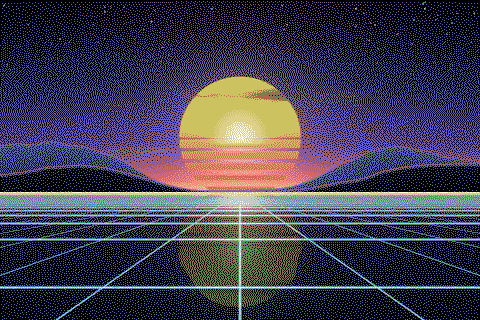
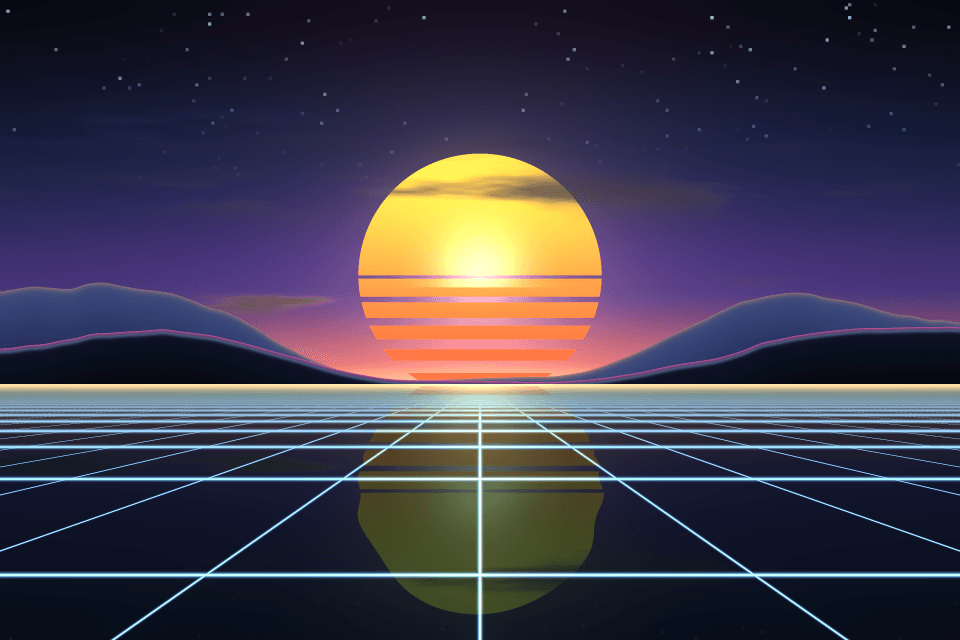
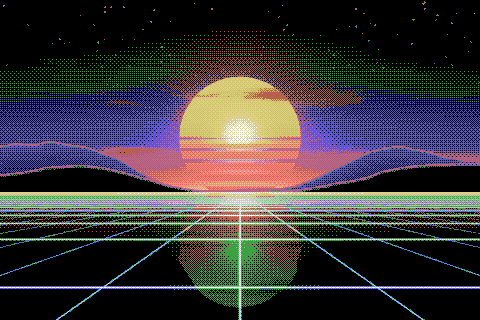
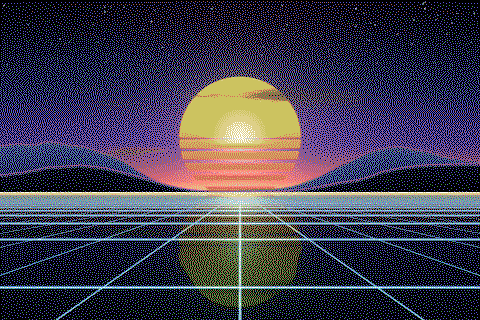
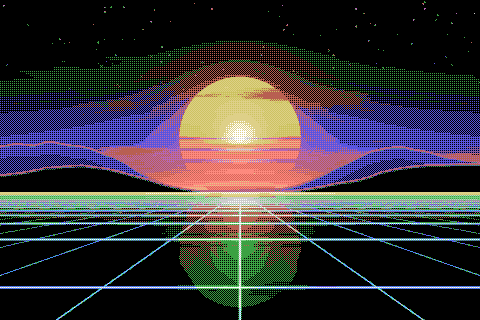
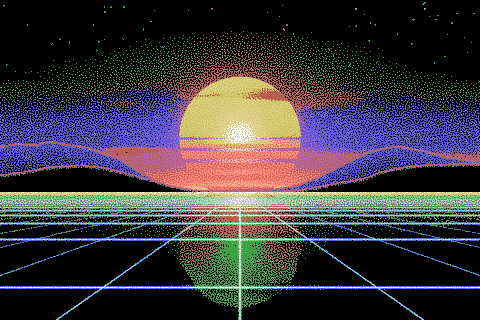
The MSX palette with different dithering algorithms
The same sunset at 480 × 320 pixels, shown at actual size.
Try the MSX palette on your image
Open the editor with MSX already selected, drop in a photo or an animated GIF, pick a dithering algorithm and export a PNG or an animated GIF. Free, no account, no watermark, and your image never leaves your device.
Open MSX in the editorMSX palette FAQ
How many colors does the MSX have?
The first generation shows 15 fixed colors plus transparent. MSX2 and later pick 16 at a time from 512, so this palette is the MSX1 one.
Does this palette work for the ColecoVision or the TI-99/4A?
Yes. They use the same TMS9918 family of video chips, so the colors are the same, give or take how each TV or emulator decodes them.