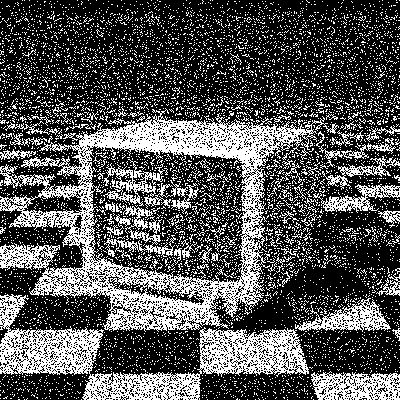
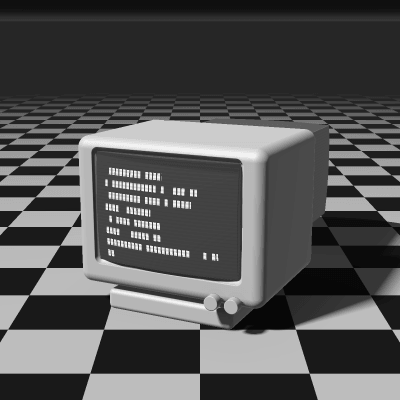
Random Dithering
Random dithering is the simplest way to break up banding: each pixel is compared with a random threshold instead of a fixed one. It’s the oldest idea in dithering, and it gives a coarse, grainy, photographic texture with no pattern at all.
- Author
- Unknown
- Year
- —
- Complexity
- low
How Random dithering works
For every pixel a random number between 0 and 255 is drawn, and the pixel turns white if its brightness is higher. On average a 30% gray lights 30% of the pixels, so tones come out right, but the dots fall wherever chance puts them: some clump together and some areas are left bare.
That’s white noise, with energy at every frequency, including the low ones the eye sees as blotches, which is why random dither looks noisier than blue noise at the same density.
Every pixel is compared with its own random threshold between 0 and 255. PixelSynth seeds the generator, so the grain stays put while you adjust other settings.
seed the random generator
for each pixel (x, y):
  t = random() * 255
  pixel = gray < t ? black : white
# with a palette, t shifts the color before nearest_color
When to use it (and when not to)
- Best for: gritty film-grain, photocopy and glitch textures.
- Works well with: 1-bit, Sepia and Cyanotype.
- Watch out for: the least detail of any algorithm, and blotchy areas; for a fine grain, pick Blue Noise.
- In animation: Stable. The random thresholds are seeded, so each pixel keeps the same one in every frame.
Random vs other algorithms
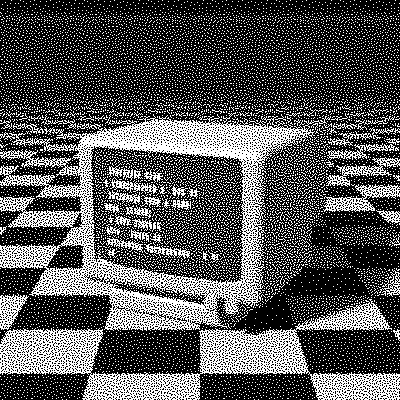
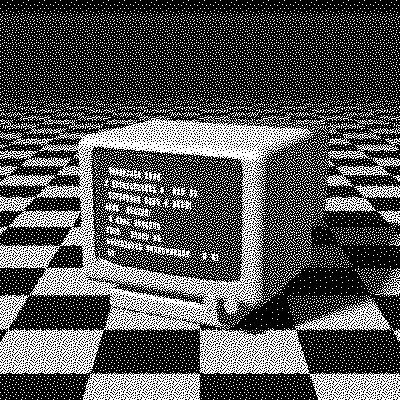
The same terminal in 1-bit, center crop at actual size.
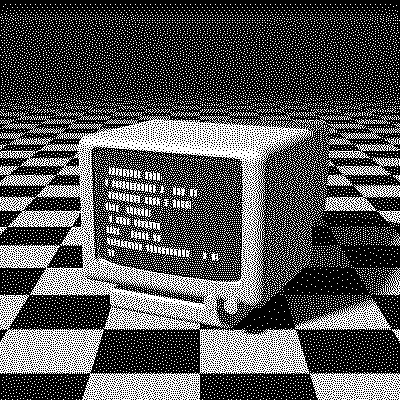
| Algorithm | Method | Animation | Look |
|---|---|---|---|
| Random | Random threshold | Stable | Coarse, clumpy grain |
| Blue Noise | 64×64 threshold matrix | Stable | Even, fine grain |
| Void-and-Cluster | 16×16 threshold matrix | Stable | Organic, balanced |
| Floyd–Steinberg | Error to 4 neighbors (100% carried) | Flickers | Detailed, sharp |
Try Random on your image
Open the editor with Random already selected, drop in a photo or an animated GIF, choose the processing scale for the dot size, pick a palette and export the result. Free, no account, no watermark, and your image never leaves your device.
Open Random in the editorRandom FAQ
Why does random dithering look so noisy?
Random thresholds let dots clump and leave gaps, which the eye sees as blotches. Blue Noise spreads the same number of dots evenly, so it looks much finer.
When is random dithering useful?
When you want grit rather than precision: a photocopied zine, a lo-fi poster or a noisy texture to layer over other artwork with a transparent background.