09Ordered
Bayer 2×2 Dithering
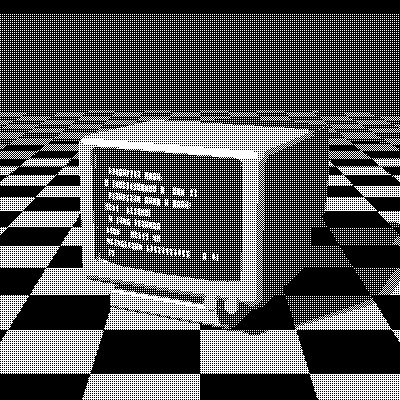
Bayer 2×2 is the smallest ordered dithering matrix, from the method Bryce Bayer published at Kodak in 1973. It compares each pixel with one of just four thresholds, so it can show only five gray levels, each as a bold, regular pattern. The result is chunky and graphic, closer to a textile or a pixel-art tile than to a photo.
- Author
- Bryce Bayer
- Year
- 1973
- Complexity
- low
How Bayer 2×2 dithering works
A 2×2 matrix of thresholds is tiled across the image. Each pixel is compared with the threshold at its position in the tile: brighter pixels turn white, darker ones black. Nothing is carried between pixels, so every pixel can be computed on its own, in any order.
The four ranks are placed so that each new level lights the pixel farthest from those already lit: a light gray lights one pixel per cell, 50% gives a perfect checkerboard, and the next level leaves just one pixel dark. With so few levels, gradients break into visible bands.
| 0 | 2 |
| 3 | 1 |
- A 2×2 matrix of 4 ranks is tiled across the image; a pixel turns white when its brightness exceeds the threshold at its position.
- That gives 5 distinct gray levels, each reproduced by a fixed dot pattern.
M = 2×2 matrix of ranks 0…3
for each pixel (x, y):
  t = (M[y mod 2][x mod 2] + 0.5) / 4 * 255
  pixel = gray < t ? black : white
# with a palette, t shifts the color before nearest_color
When to use it (and when not to)
- Best for: bold graphic looks, small icons and tiny pixel art.
- Works well with: palettes where a checkerboard reads as a mix of two colors, like CGA or ZX Spectrum.
- Watch out for: only five levels between each pair of colors, so gradients band; Bayer 4×4 gives 17.
- In animation: Very stable. Each pixel’s threshold depends only on its position, so areas that don’t move stay identical from frame to frame, with no shimmer.
Bayer 2×2 vs other algorithms
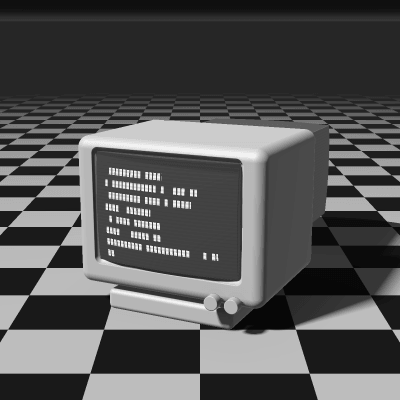
The same terminal in 1-bit, center crop at actual size.
Bayer 2×2 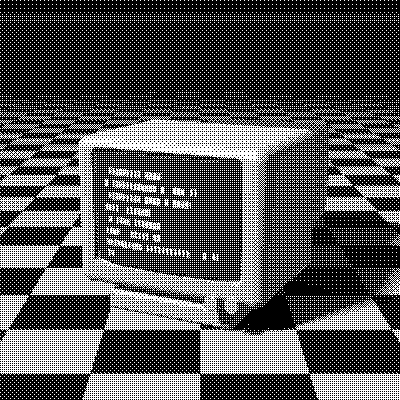
Bayer 4×4 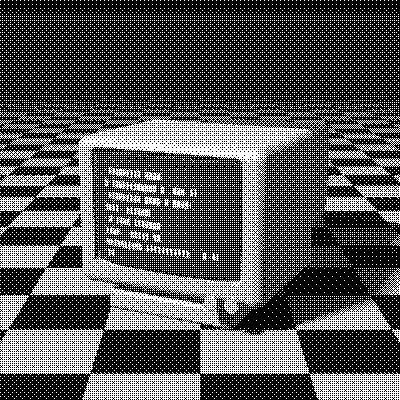
Bayer 8×8 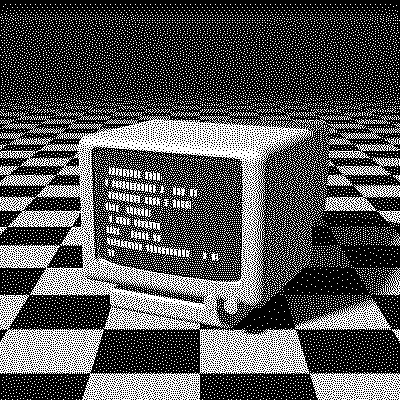
Floyd–Steinberg
| Algorithm | Method | Animation | Look |
|---|---|---|---|
| Bayer 2×2 | 2×2 threshold matrix | Stable | Bold, 5 levels, banding |
| Bayer 4×4 | 4×4 threshold matrix | Stable | 17 levels, classic retro |
| Bayer 8×8 | 8×8 threshold matrix | Stable | 65 levels, smooth |
| Floyd–Steinberg | Error to 4 neighbors (100% carried) | Flickers | Organic, detailed |
Try Bayer 2×2 on your image
Open the editor with Bayer 2×2 already selected, drop in a photo or an animated GIF, choose the processing scale for the dot size, pick a palette and export the result. Free, no account, no watermark, and your image never leaves your device.
Open Bayer 2×2 in the editorBayer 2×2 FAQ
Is Bayer dithering good for animated GIFs?
Yes. Each pixel’s threshold depends only on its position, so still areas stay identical from frame to frame, and regular patterns also compress well in GIF files.