
Print & photo
Sepia Palette
Sepia is the warm brown of old photographs. This palette has four tones, from deep brown to aged paper, that turn any image into an antique-looking dither. Below are the hex codes, where sepia toning came from, and a free way to apply it in your browser.
- Colors
- 4
- Year
- 1880s
- Process
- Silver sulfide toning
- Match
- By brightness
The 4 Sepia colors
There is no standard sepia: every print toned differently with paper, chemistry and age. These four tones, chosen for this palette, cover the range of a typical toned print, from the darkest shadows to the paper base.
Download:HEX file of SepiaGPL file of Sepia
| Swatch | Name | Hex | RGB |
|---|---|---|---|
| Deep brown | #2B1D14 | 43, 29, 20 | |
| Umber | #6B4A2F | 107, 74, 47 | |
| Tan | #B08A5F | 176, 138, 95 | |
| Paper | #EFE3CF | 239, 227, 207 |
A pigment, then a darkroom process
Sepia was first an ink and a pigment, the brown made from the ink sac of the cuttlefish, whose genus is Sepia. In photography the name moved to toning: bathing a black-and-white silver print in a sulfide solution turns its metallic silver into silver sulfide, which is brown.
Toning was common from the late 19th century into the early 20th, and not only for the color: silver sulfide resists air and pollution far better than plain silver, so sepia prints last longer. That durability is why so many surviving photos from the period are brown.
Sepia in four tones
A sepia print shows shadows in dark brown and highlights in the warm paper, with a smooth range in between. Four tones of one hue keep that range readable, and dithering fills in the steps.
PixelSynth matches this palette by brightness, so colors don’t matter, only how light or dark each area is. Use Floyd–Steinberg for portraits, or Blue Noise for a fine film-like grain.
How to make Sepia-style images
- Open the editor with the Sepia palette selected. It matches by brightness.
- Pick Floyd–Steinberg for detail or Blue Noise for a film-like grain.
- Lower the contrast slightly for a faded look, then save the PNG at ×2 or larger.
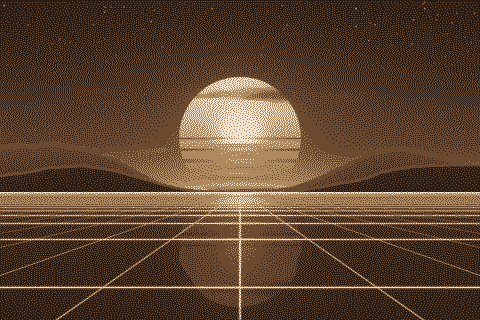
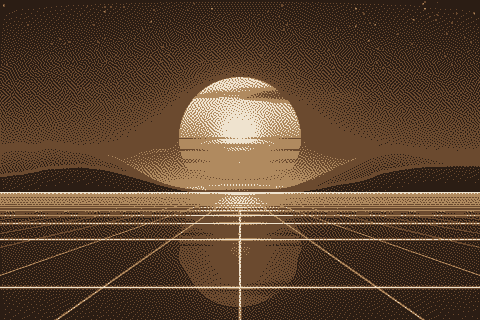
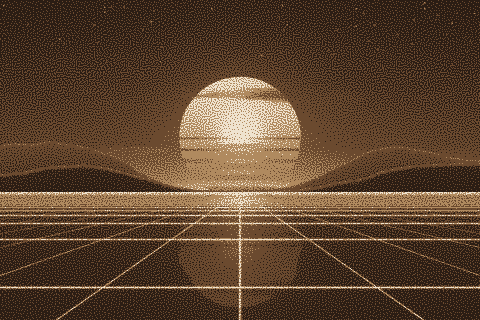
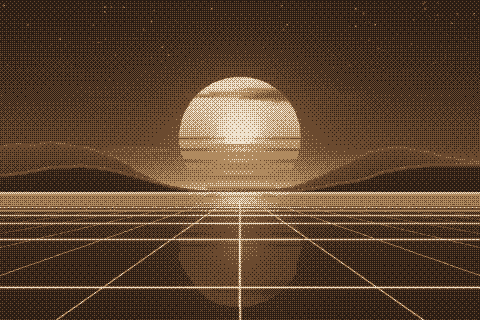
The Sepia palette with different dithering algorithms
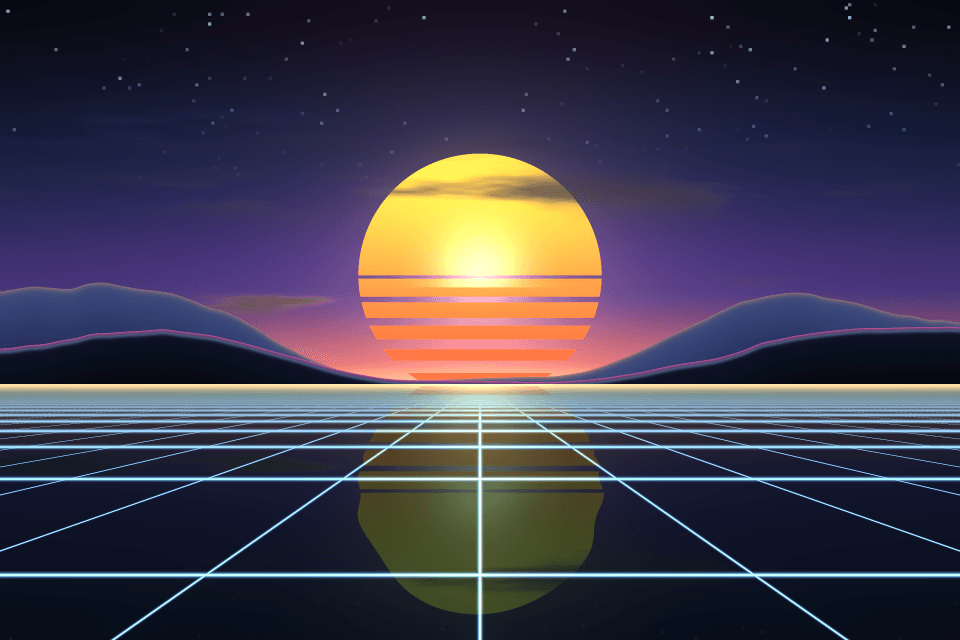
The same sunset at 480 × 320 pixels, shown at actual size.
Try the Sepia palette on your image
Open the editor with Sepia already selected, drop in a photo or an animated GIF, pick a dithering algorithm and export a PNG or an animated GIF. Free, no account, no watermark, and your image never leaves your device.
Open Sepia in the editorSepia palette FAQ
Is this the same as a sepia filter?
A sepia filter tints every pixel brown and keeps smooth gradients. This palette reduces the image to four brown tones and dithers between them, so it looks printed.
Why are old photos brown?
Many were sepia toned on purpose, which made them more durable, and untoned prints also yellow and brown as their silver and paper age.