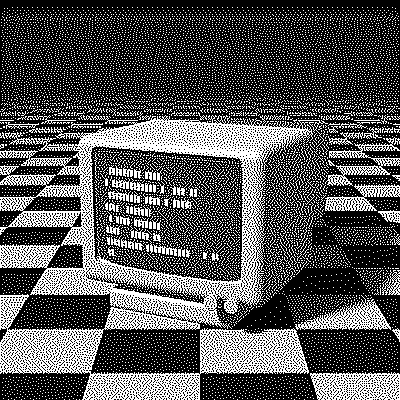
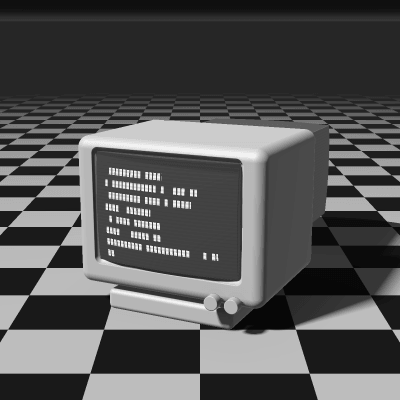
Sierra Dithering
Sierra, sometimes called Sierra-3, is an error-diffusion algorithm Frankie Sierra published in 1989. It spreads each pixel’s error over 10 neighbors across three rows, a footprint close to Jarvis–Judice–Ninke’s but with fewer, simpler weights. It gives natural, crisp textures and smooth gradients at a lower cost than JJN.
- Author
- Frankie Sierra
- Year
- 1989
- Complexity
- medium
How Sierra dithering works
Each pixel is rounded to the nearest available color and its error split into 32nds: 5 and 3 to the next two pixels on the row, 2, 4, 5, 4, 2 on the row below, and 2, 3, 2 on the three pixels centered two rows down.
Compared with JJN, Sierra drops the two outer corners of the bottom row and divides by 32, a bit shift, instead of 48. That saves work on every pixel while keeping the wide, three-row spread that smooths gradients and suppresses worm patterns.
| Current pixel | 5/32 | 3/32 | ||
| 2/32 | 4/32 | 5/32 | 4/32 | 2/32 |
| 2/32 | 3/32 | 2/32 |
- The error of the current pixel is spread over 10 neighbors that haven’t been processed yet.
- All of the error is carried forward.
- Rows are scanned in alternating directions (serpentine), which avoids diagonal streaks.
for each row y, top to bottom:
  # odd rows go right to left, mirroring dx
  for each x in the row:
    old = pixel[x][y]
    new = nearest_color(old)
    pixel[x][y] = new
    error = old - new
    pixel[x+1][y  ] += error * 5/32
    pixel[x+2][y  ] += error * 3/32
    pixel[x-2][y+1] += error * 2/32
    pixel[x-1][y+1] += error * 4/32
    pixel[x  ][y+1] += error * 5/32
    pixel[x+1][y+1] += error * 4/32
    pixel[x+2][y+1] += error * 2/32
    pixel[x-1][y+2] += error * 2/32
    pixel[x  ][y+2] += error * 3/32
    pixel[x+1][y+2] += error * 2/32
When to use it (and when not to)
- Best for: photos and gradients where you want JJN-like smoothness, a little faster.
- Works well with: 1-bit output and small palettes like Game Boy, PICO-8 or NES.
- Watch out for: it’s still slower than the two-row filters on very large images; Two-Row Sierra trades a little smoothness for speed.
- In animation: Like every error diffusion, it flickers: a small change in one frame moves every later dot. For GIFs, Bayer 8×8 or Blue Noise keep their dots in place.
Sierra vs other algorithms
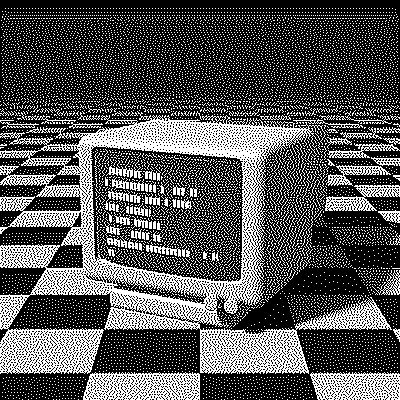
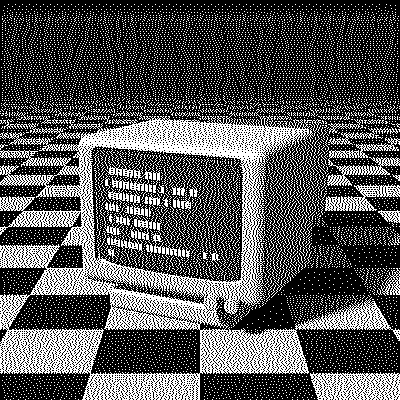
The same terminal in 1-bit, center crop at actual size.
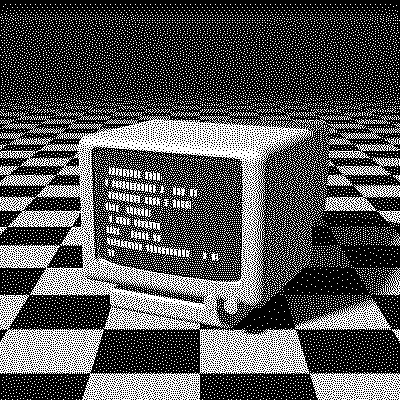
| Algorithm | Method | Animation | Look |
|---|---|---|---|
| Sierra | Error to 10 neighbors (100% carried) | Flickers | Natural, smooth, crisp |
| Jarvis–Judice–Ninke | Error to 12 neighbors (100% carried) | Flickers | Nearly identical, more work |
| Two-Row Sierra | Error to 7 neighbors (100% carried) | Flickers | Two rows, slightly grainier |
| Floyd–Steinberg | Error to 4 neighbors (100% carried) | Flickers | Sharper, more worms |
Try Sierra on your image
Open the editor with Sierra already selected, drop in a photo or an animated GIF, adjust how much error travels with the Error diffusion slider, pick a palette and export the result. Free, no account, no watermark, and your image never leaves your device.
Open Sierra in the editorSierra FAQ
What’s the difference between Sierra, Two-Row Sierra and Sierra Lite?
The same idea at three sizes: Sierra spreads the error over 10 neighbors on three rows, Two-Row Sierra over 7 on two rows and Sierra Lite over just 3. Smaller filters are faster and grainier.