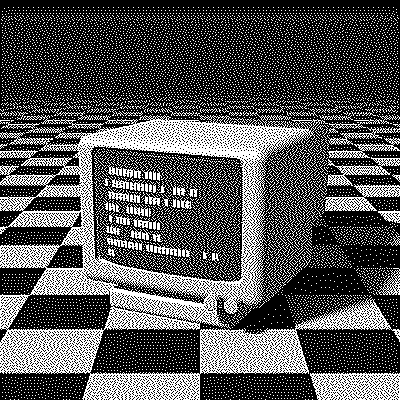
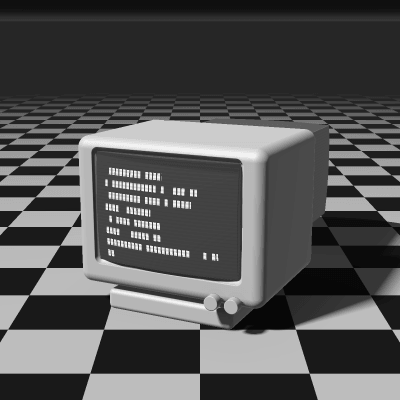
Stucki Dithering
Stucki is an error-diffusion algorithm introduced by Peter Stucki at IBM Research in 1981. It uses the same 12-neighbor footprint as Jarvis–Judice–Ninke, but with weights that are powers of two and a steeper falloff, which gives a crisper, cleaner result with excellent detail.
- Author
- Peter Stucki
- Year
- 1981
- Complexity
- medium
How Stucki dithering works
Each pixel is rounded to the nearest available color and its error is split into 42nds: 8 and 4 to the next two pixels on the same row, 2, 4, 8, 4, 2 on the row below and 1, 2, 4, 2, 1 two rows down.
Weights that are powers of two were cheap for the hardware of the time, since multiplying by 8, 4 or 2 is a bit shift. And because more of the error stays next to the current pixel than in JJN (8/42 instead of 7/48), edges stay sharper while the wide footprint still smooths out gradients.
| Current pixel | 8/42 | 4/42 | ||
| 2/42 | 4/42 | 8/42 | 4/42 | 2/42 |
| 1/42 | 2/42 | 4/42 | 2/42 | 1/42 |
- The error of the current pixel is spread over 12 neighbors that haven’t been processed yet.
- All of the error is carried forward.
- Rows are scanned in alternating directions (serpentine), which avoids diagonal streaks.
for each row y, top to bottom:
  # odd rows go right to left, mirroring dx
  for each x in the row:
    old = pixel[x][y]
    new = nearest_color(old)
    pixel[x][y] = new
    error = old - new
    pixel[x+1][y  ] += error * 8/42
    pixel[x+2][y  ] += error * 4/42
    pixel[x-2][y+1] += error * 2/42
    pixel[x-1][y+1] += error * 4/42
    pixel[x  ][y+1] += error * 8/42
    pixel[x+1][y+1] += error * 4/42
    pixel[x+2][y+1] += error * 2/42
    pixel[x-2][y+2] += error * 1/42
    pixel[x-1][y+2] += error * 2/42
    pixel[x  ][y+2] += error * 4/42
    pixel[x+1][y+2] += error * 2/42
    pixel[x+2][y+2] += error * 1/42
When to use it (and when not to)
- Best for: detailed photos and illustrations where you want JJN’s smoothness with sharper edges.
- Works well with: 1-bit output, laser engraving and grayscale palettes like Grayscale 4.
- Watch out for: the same cost as JJN, 12 neighbors per pixel; Burkes looks nearly the same for less work.
- In animation: Like every error diffusion, it flickers: a small change in one frame moves every later dot. For GIFs, Bayer 8×8 or Blue Noise keep their dots in place.
Stucki vs other algorithms
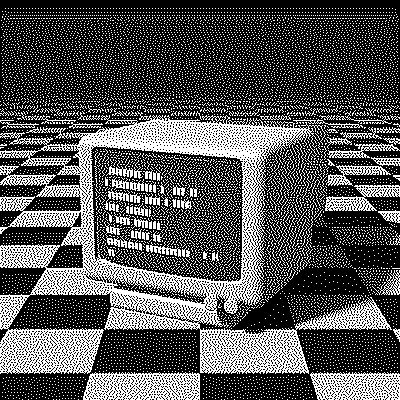
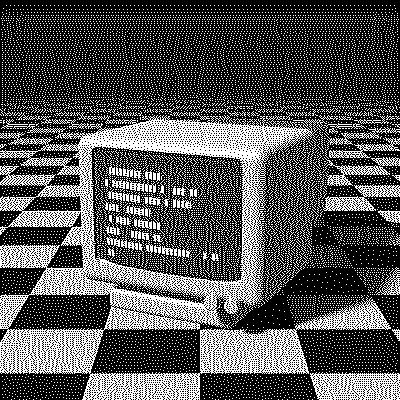
The same terminal in 1-bit, center crop at actual size.
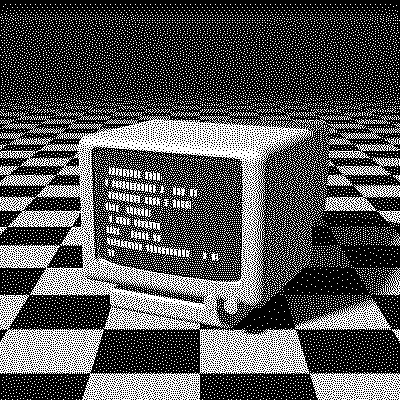
| Algorithm | Method | Animation | Look |
|---|---|---|---|
| Stucki | Error to 12 neighbors (100% carried) | Flickers | Crisp, clean, detailed |
| Jarvis–Judice–Ninke | Error to 12 neighbors (100% carried) | Flickers | Same footprint, slightly softer |
| Burkes | Error to 7 neighbors (100% carried) | Flickers | Nearly identical, two rows, faster |
| Floyd–Steinberg | Error to 4 neighbors (100% carried) | Flickers | Tighter spread, more worms |
Try Stucki on your image
Open the editor with Stucki already selected, drop in a photo or an animated GIF, adjust how much error travels with the Error diffusion slider, pick a palette and export the result. Free, no account, no watermark, and your image never leaves your device.
Open Stucki in the editorStucki FAQ
Is Stucki good for laser engraving?
Yes. It keeps fine detail and gives clean, well-separated dots. Stay in 1-bit, set the output width to what your engraver needs and save the PNG at ×1, then turn off the laser software’s own dithering.
Why does Stucki divide by 42?
Its weights add up to 42, so dividing by 42 hands out exactly all of the error. The weights themselves are powers of two, which 1980s hardware could apply with bit shifts.