Print & photo
Newsprint Palette
Newspapers print photos as patterns of ink dots on cheap, slightly yellow paper. This 1-bit palette pairs a soft black ink with aged newsprint, so a dither looks printed rather than on screen. Below are both hex codes, how newspaper halftones work, and a free way to give any image the look in your browser.
- Colors
- 2
- Year
- 1880
- Process
- Halftone on newsprint
- Match
- By brightness
The 2 Newsprint colors
Both values were chosen for this palette: a warm black, since ink on absorbent paper never reaches pure black, and a cream like newsprint a few years old. Fresh newsprint is grayer and whiter.
| Swatch | Name | Hex | RGB |
|---|---|---|---|
| Ink | #1C1A17 | 28, 26, 23 | |
| Newsprint | #EFE6D2 | 239, 230, 210 |
Photos made of dots
A printing press lays down ink or no ink, so it can’t print a gray. Halftone screens solve that by breaking a photo into dots that grow in the shadows and shrink in the highlights. On March 4, 1880, The Daily Graphic of New York printed “A Scene in Shantytown,” one of the first halftone photographs in a newspaper, and within a few decades halftones replaced engraved illustrations.
Newsprint soaks up ink and makes dots spread, so newspapers use coarse screens, often around 85 lines per inch, where magazines on coated paper use 150 or more. Those visible dots are the newspaper look.
Why the paper turns yellow
Newsprint is made from mechanical wood pulp, which keeps most of the wood’s lignin. Light and air oxidize the lignin and the paper turns yellow, then brown, within years, which is why old clippings look warm. This palette uses that aged tone instead of pure white.
PixelSynth matches this palette by brightness: everything darker than the threshold becomes ink. Pair it with Halftone for round newspaper dots or Line Screen for an engraved look.
How to make Newsprint-style images
- Open the editor with the Newsprint palette selected. It matches by brightness.
- Choose Halftone and raise its screen size until the dots read from a distance.
- Add a little contrast, since newspaper photos lose their midtones, and save the PNG at full size or ×2.
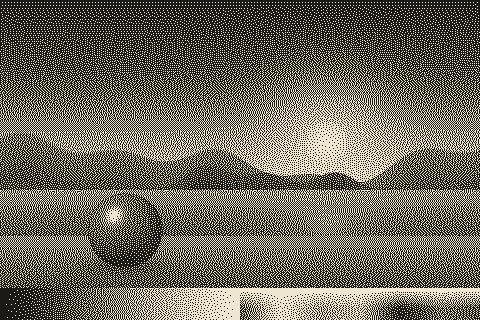
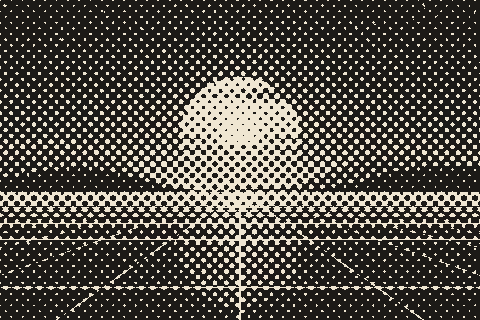
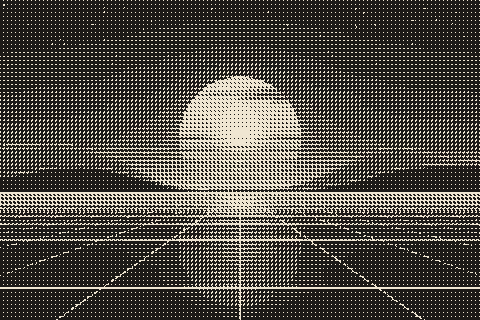
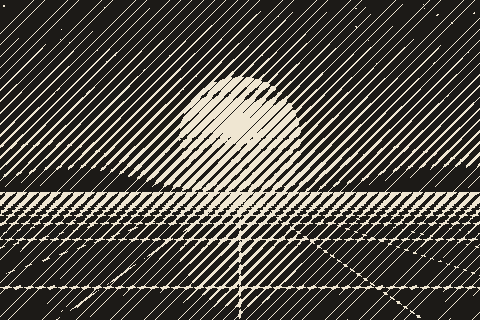
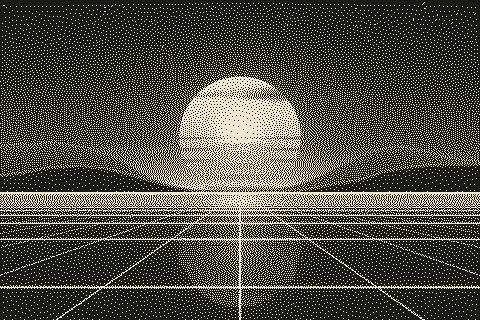
The Newsprint palette with different dithering algorithms
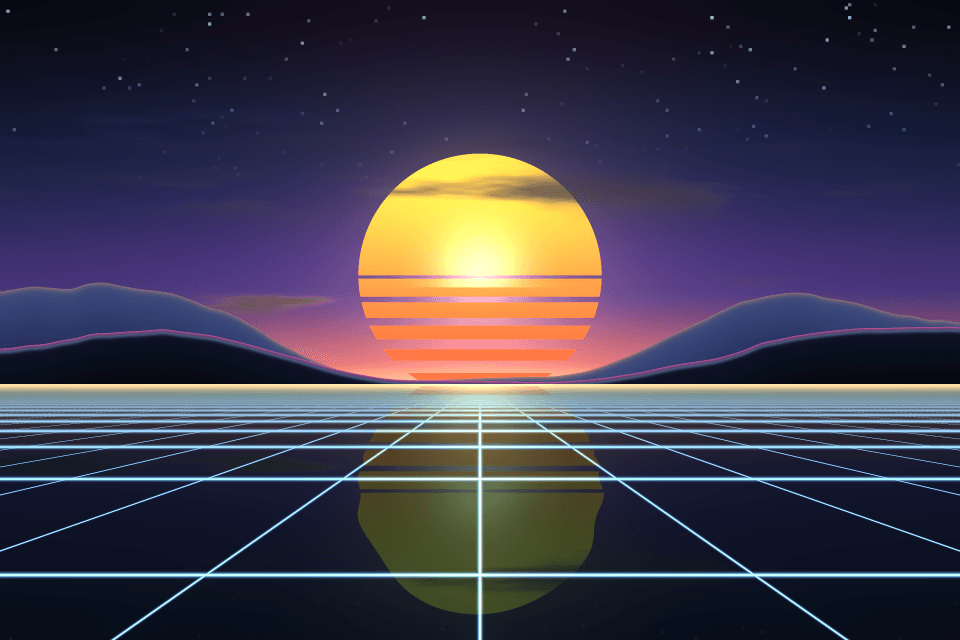
The same sunset at 480 × 320 pixels, shown at actual size.
Try the Newsprint palette on your image
Open the editor with Newsprint already selected, drop in a photo or an animated GIF, pick a dithering algorithm and export a PNG or an animated GIF. Free, no account, no watermark, and your image never leaves your device.
Open Newsprint in the editorNewsprint palette FAQ
What resolution were newspaper halftones?
Commonly 65 to 100 lines per inch, with 85 typical. Coarser screens hold up better on absorbent paper, where every dot spreads.
Can I use pure black and white instead?
Yes: the editor’s 1-bit mode prints black and white, or any two colors you pick. This palette is the same idea with ink and paper tones.